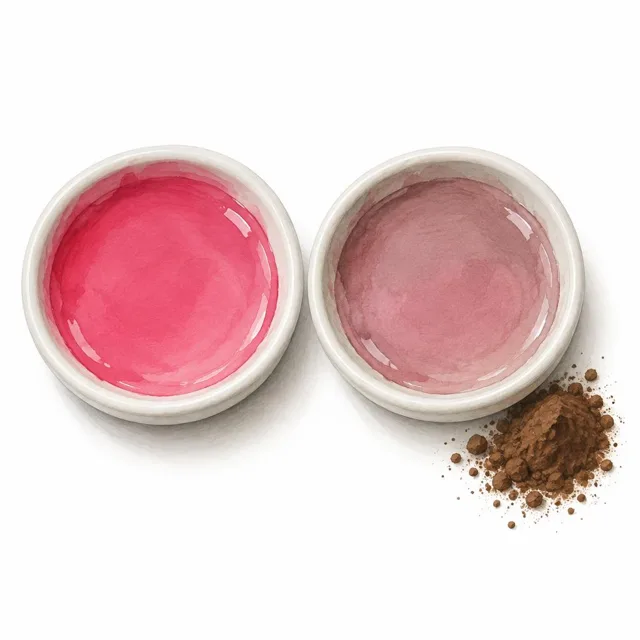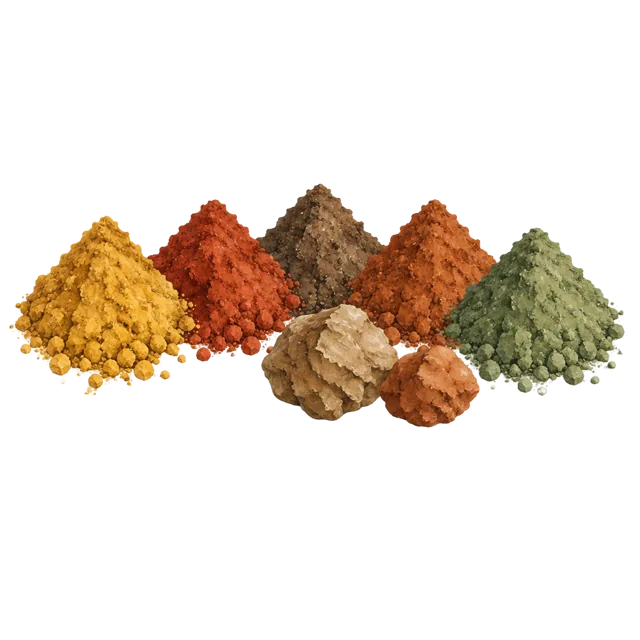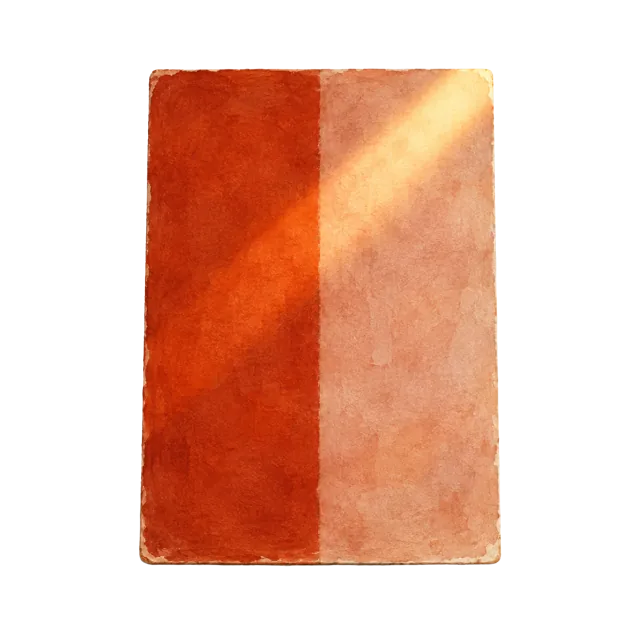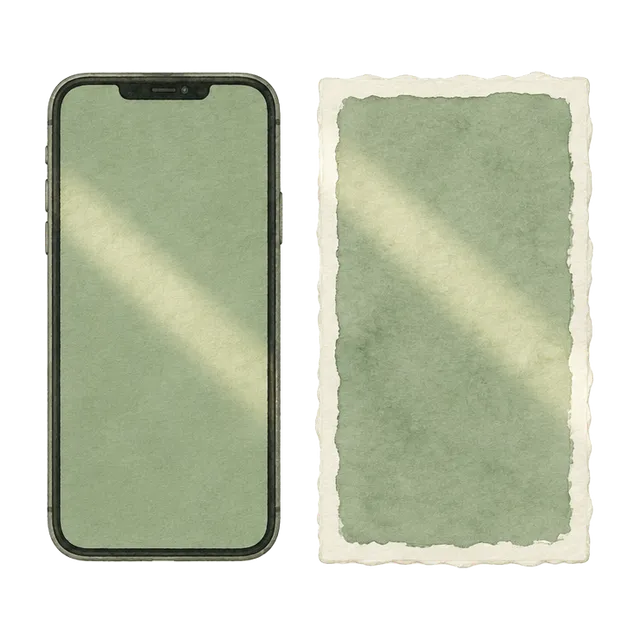
A screen and a painted wall make colour in opposite ways. A screen gives out its own light, mixing tiny red, green and blue points to build every colour you see. Paint makes no light at all: its pigments absorb part of the light falling on them and reflect the rest back to your eye. So a painted wall changes with the light in the room, from cool north daylight to warm evening lamps, while a screen shows much the same colour wherever you hold it. A hex code is simply three numbers telling a screen how much red, green and blue to show, and different phones, brightness levels and display settings turn the same numbers into slightly different colours.
Our undertones describe how each paint really behaves: they are aligned with its real-world pigment formulation and with how the dried colour reads on a wall in daylight and lamp light. They are not worked out from the screen colour, so a colour-picker app can place a shade on a neighbouring hue. A warm beige with a red undertone, for example, may read as orange from its hex code alone. The wall is what we work to. To keep the screen as close as possible, every hex code on our site has been checked side by side against the real paint, next to a new iPhone with True Tone switched on and Night Shift switched off. True Tone uses the phone’s light sensors to adjust the display to the light around you, so the screen behaves a little more like a painted surface in the same room. Even so, no screen can reproduce a reflective paint exactly.
Night Shift on iPhone, iPad and Mac, and similar settings on other devices such as Night Light, eye comfort or blue light filters, cut blue light and shift the whole display towards amber in the evening. That warm cast changes every undertone: cool greys turn beige, crisp whites look cream, and blues and greens look muddy. Please never judge or choose colours with these settings on. Shortlist two or three shades in good light with Night Shift and warm filters turned off, then order samples. Give each peel-and-stick two coats, let them dry and move them around the room, looking in the morning, the afternoon and under your evening lamps. Real paint in your own light is the only reliable way to see the true colour.
Screens vary by model, brightness and settings, so our on-screen colours are a close guide rather than an exact match. Always confirm a colour with a real paint sample in your own light.